
How to Buy a Used Mobile Phone in Pakistan: A Safe Checklist
2026-11-01 · 5 min read
📖 اردو میں پڑھیں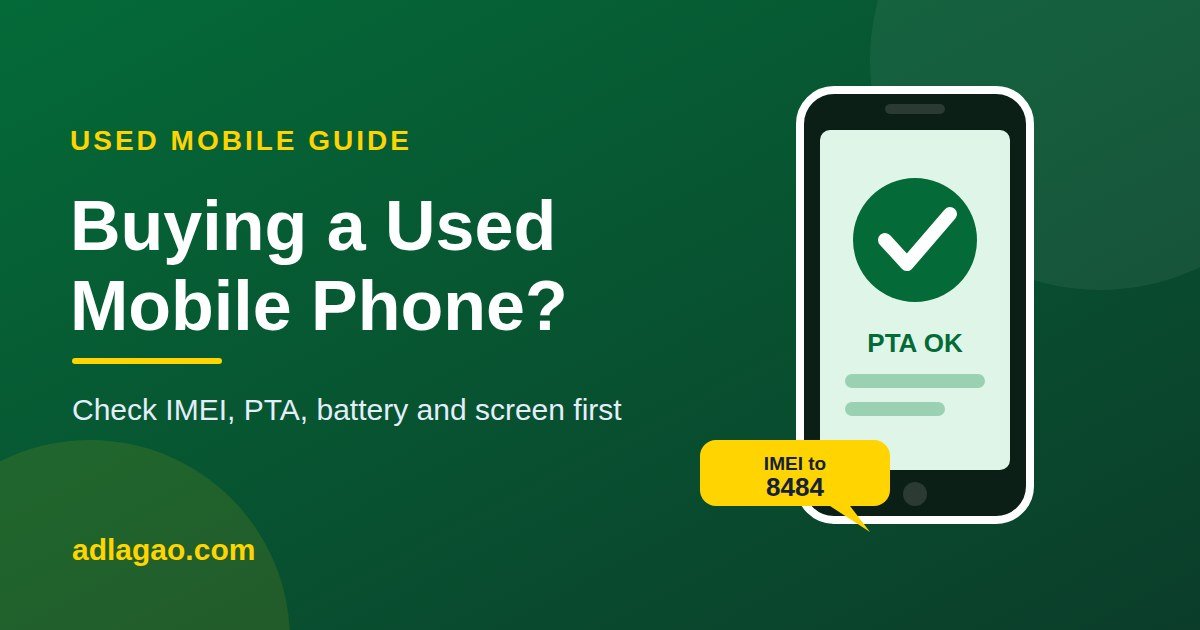
A used phone can save you a lot of money, but it can also cost you a lot if it is stolen, blocked, locked to someone else's account or badly repaired. The good news is that most problems can be found in ten minutes if you know what to check. Use this checklist before you hand over any money.
Before You Meet the Seller
- Ask the basics: model, storage, age, battery health, any repairs, and why the seller is selling.
- Ask for clear photos of the front, back, screen turned on, and the box or papers if available.
- Ask for the IMEI number and check it yourself before you go (see Step 1).
- Compare the price with similar ads. A price that is much lower than everyone else's is a warning sign, not a bargain.
Step 1: Check the IMEI and PTA Status
Every phone has a unique 15-digit IMEI number. In Pakistan, a phone must be registered with PTA to work on local networks, so always check it.
- Get the IMEI. Dial *#06# on the phone. A dual-SIM phone shows two IMEI numbers, so check both.
- Match the numbers. The IMEI shown on the screen should be the same as the one on the box, the SIM tray or the back of the phone, and in Settings. If they do not match, walk away.
- Check the status in one of these ways: send the 15-digit IMEI by SMS to 8484, use the PTA's online Device Verification System (dvs.pta.gov.pk), or use the DVS app on Android.
- Read the answer carefully. You want the phone to be shown as compliant or registered. Do not buy a phone that is blocked, non-compliant or has tax unpaid unless you understand exactly what it will cost to make it work.
PTA's process and charges can change, so use only the official channels above.
Step 2: Check the Phone Itself
- Body: look for cracks, dents and gaps. Uneven gaps or mismatched screws can mean the phone has been opened and repaired.
- Screen: turn the brightness up, show a white and a black picture, and look for dead pixels, lines, yellow patches or burn-in. Touch every corner of the screen.
- Battery: on an iPhone, open Settings, then Battery, then Battery Health. On Android, watch how fast the percentage drops and how hot the phone gets while you use it for a few minutes. A weak battery can cost a lot to replace.
- Cameras: take photos and a short video with the front and back cameras and the flash, and check they are sharp.
- Calls and sound: make a call, test the speaker, the earpiece and the microphone, and record a voice note.
- Charging and buttons: plug in a charger and check that every button, the volume keys and the fingerprint sensor or face unlock work.
- Connections: test Wi-Fi, Bluetooth and mobile signal with your own SIM, and try mobile internet.
- Sensors: auto-rotate, and the screen turning off when you hold it to your ear during a call.
Step 3: Check Locks and Accounts
This is the most expensive mistake people make.
- iPhone: the seller must sign out of the Apple ID, turn off Find My and erase the phone in front of you. If the phone asks for the previous owner's Apple ID after the reset, it is locked and you should not buy it.
- Android: the seller must remove the Google account and every screen lock, and do a factory reset. After the reset, the phone must not ask for the old owner's Google account.
- No screen lock or passcode should remain on the phone you take.
- Check that the phone is not network-locked by trying your own SIM.
Step 4: Papers and a Simple Receipt
- Ask for the box, charger and original bill if they exist. They are a good sign, but they are not proof on their own, so still check the IMEI.
- For a higher-priced phone, write a simple receipt that states the seller's name and phone number, your name, the phone model, the IMEI, the price and the date. Both of you sign it, and each keeps a copy.
Step 5: Meet and Pay Safely
- Meet in a busy public place during the day, such as a mobile market or a mall, and bring a friend or family member.
- Test everything before you pay. Do not hurry because the seller says another buyer is coming.
- Do not pay in advance to someone you have not met, and do not send a deposit to hold the phone.
- If you pay by bank or mobile transfer, wait until the money has really arrived on the other side before you take the phone. Never share an OTP, a PIN or a card code.
- Be careful of anyone who refuses to let you check the IMEI or test the phone.
Red Flags: Walk Away If You See These
- The price is far below the market price
- The seller will not meet in person or will not let you test the phone
- The IMEI does not match, cannot be found, or fails the PTA check
- The phone asks for a previous owner's account after a reset
- The seller keeps changing the story about where the phone came from
- You are pushed to pay quickly or in advance
Selling Your Own Phone? Make It Easy to Buy
- Back up your data, sign out of your Apple ID or Google account, and do a factory reset.
- Remove your SIM and memory card, and clean the phone.
- Take clear photos in daylight and show the screen turned on.
- Write the model, storage, battery health, any repairs and PTA status in your ad.
- Be honest. Buyers trust honest sellers and pay faster.
Ready to Buy or Sell?
Browse used mobile phones for sale on AdLagao and talk directly to the seller, or post your free ad and reach buyers across Pakistan.
Have something to sell?
Post your ad for free — buyers contact you directly, no commission.
+ Submit for review
Ads you may like
 📷 7
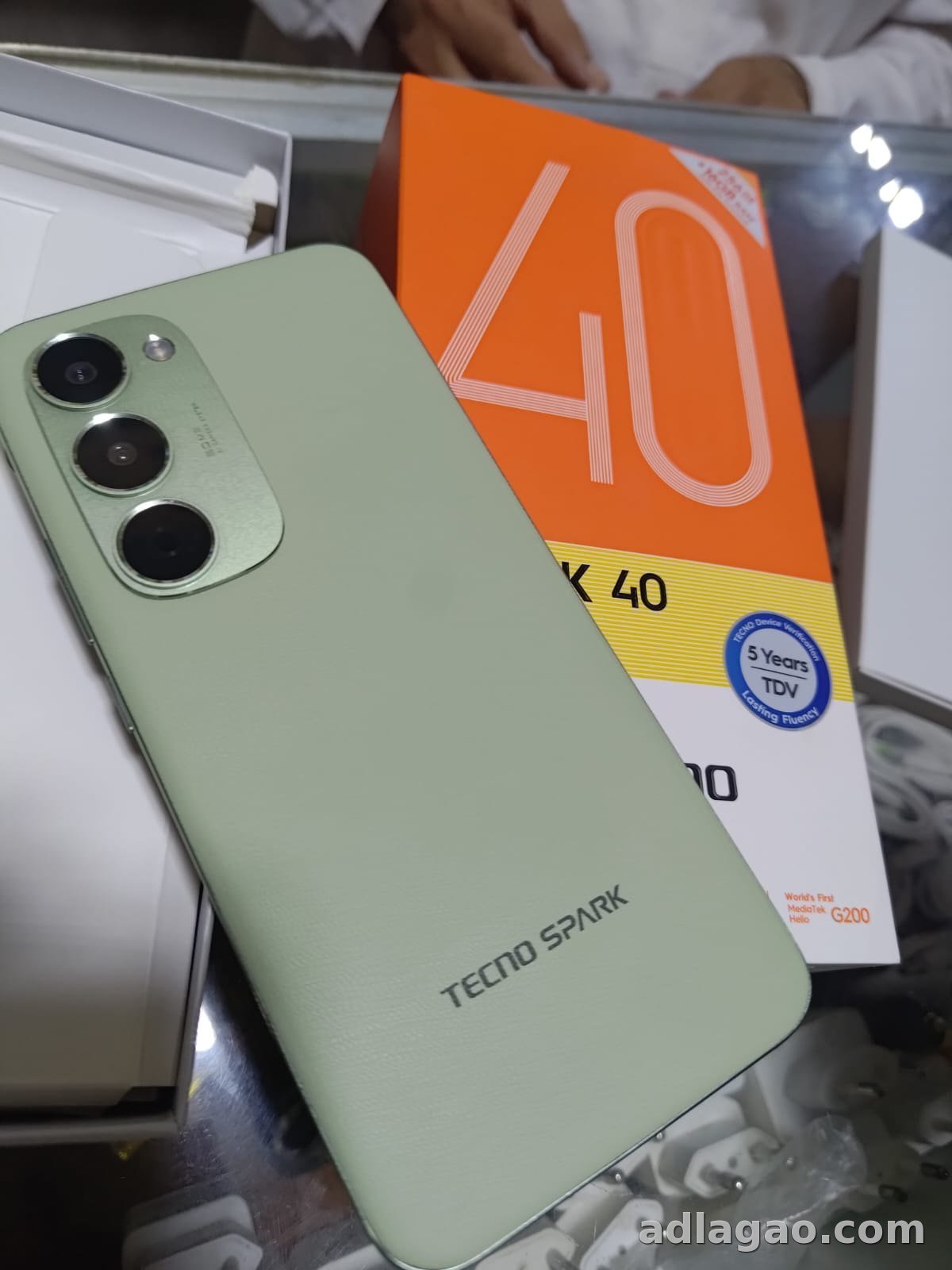
📷 7 Tecno Spark 40 Pro Plus (8GB+8GB RAM / 256GB Storage) – Non-PTA for Sale
Tecno · Non-PTA · 256 GB
Rs 65,000
 📷 8
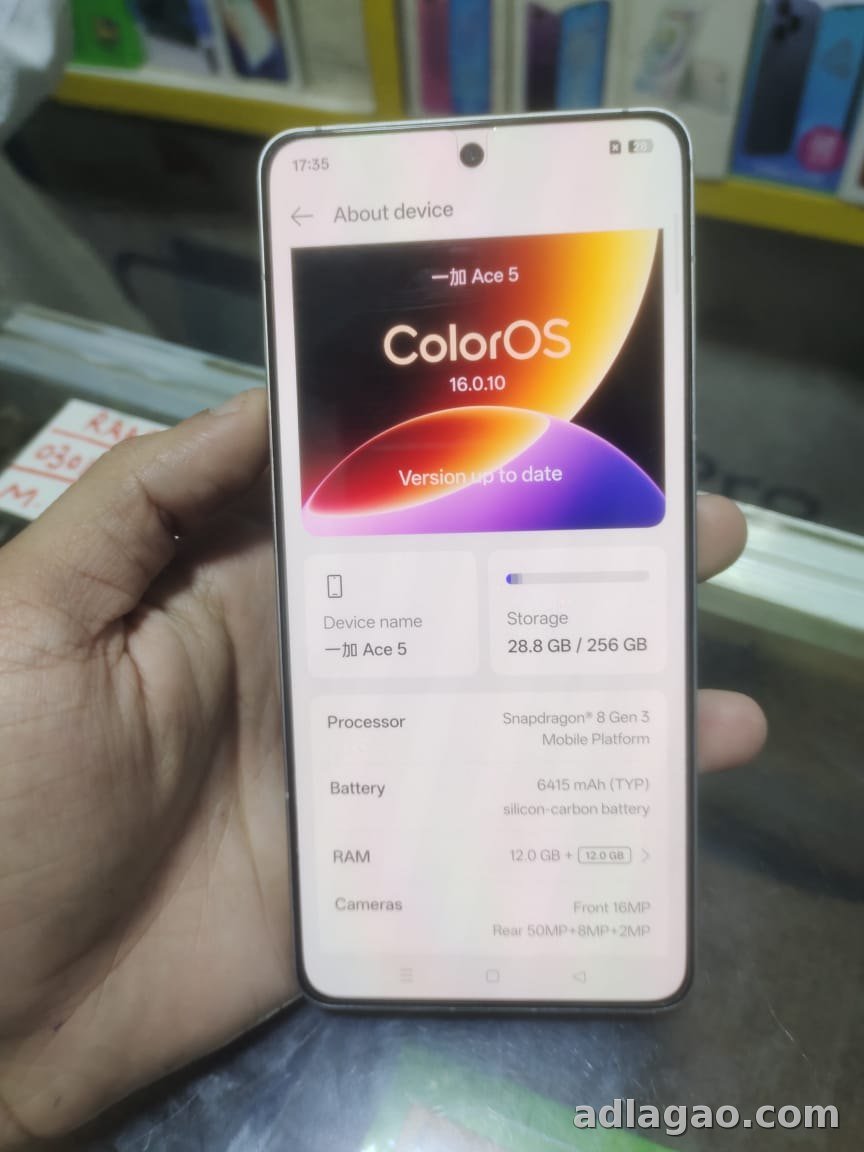
📷 8 OnePlus Ace 5 (12GB RAM / 256GB Storage) – Non-PTA for Sale
OnePlus · Non-PTA · 256 GB
Rs 90,000
More articles
 📱 Mobiles & electronicsEN · اردو
Solar Panels, Inverters and Batteries in Pakistan: A Practical Guide
A practical guide to choosing solar panels, inverters and batteries in Pakistan, plus what the new net billing rules me…
2026-10-28 · 5 min read
📱 Mobiles & electronicsEN · اردو
Solar Panels, Inverters and Batteries in Pakistan: A Practical Guide
A practical guide to choosing solar panels, inverters and batteries in Pakistan, plus what the new net billing rules me…
2026-10-28 · 5 min read
 📱 Mobiles & electronicsEN · اردو
Buying a used mobile: how to check PTA approval and IMEI
Make sure the phone will work on Pakistani SIMs, is not stolen, and is in good condition — before you pay.
2026-10-20 · 2 min read
📱 Mobiles & electronicsEN · اردو
Buying a used mobile: how to check PTA approval and IMEI
Make sure the phone will work on Pakistani SIMs, is not stolen, and is in good condition — before you pay.
2026-10-20 · 2 min read